Is 1,000 Likes on Instagram Good? What Really Matters
Is 1,000 likes on Instagram good? Compare likes, followers, and engagement rates to see how posts perform. Review your results and improve today!

11 Nov 2026
9 min read
How can I see my recent likes on Instagram? Open your Instagram profile, click on the three-lined menu, select Your Activity, then go to Interactions and then Likes. Here, you'll see the photos and Reels you've recently liked.
Instagram also offers features like sorting your liked content or filtering posts by date or account, so you can remove unnecessary likes.
However, what if you want to search for a post or Reel that you liked months ago?
Instagram likes are responses to images, videos, and Reels through the heart button. When you like something on Instagram, it is recorded in the user’s activity history.
The likes given are the posts you have liked, and the likes received are the likes given by others to your content.
The significance of Instagram likes lies in the fact that they indicate audience interest and the popularity of certain posts.
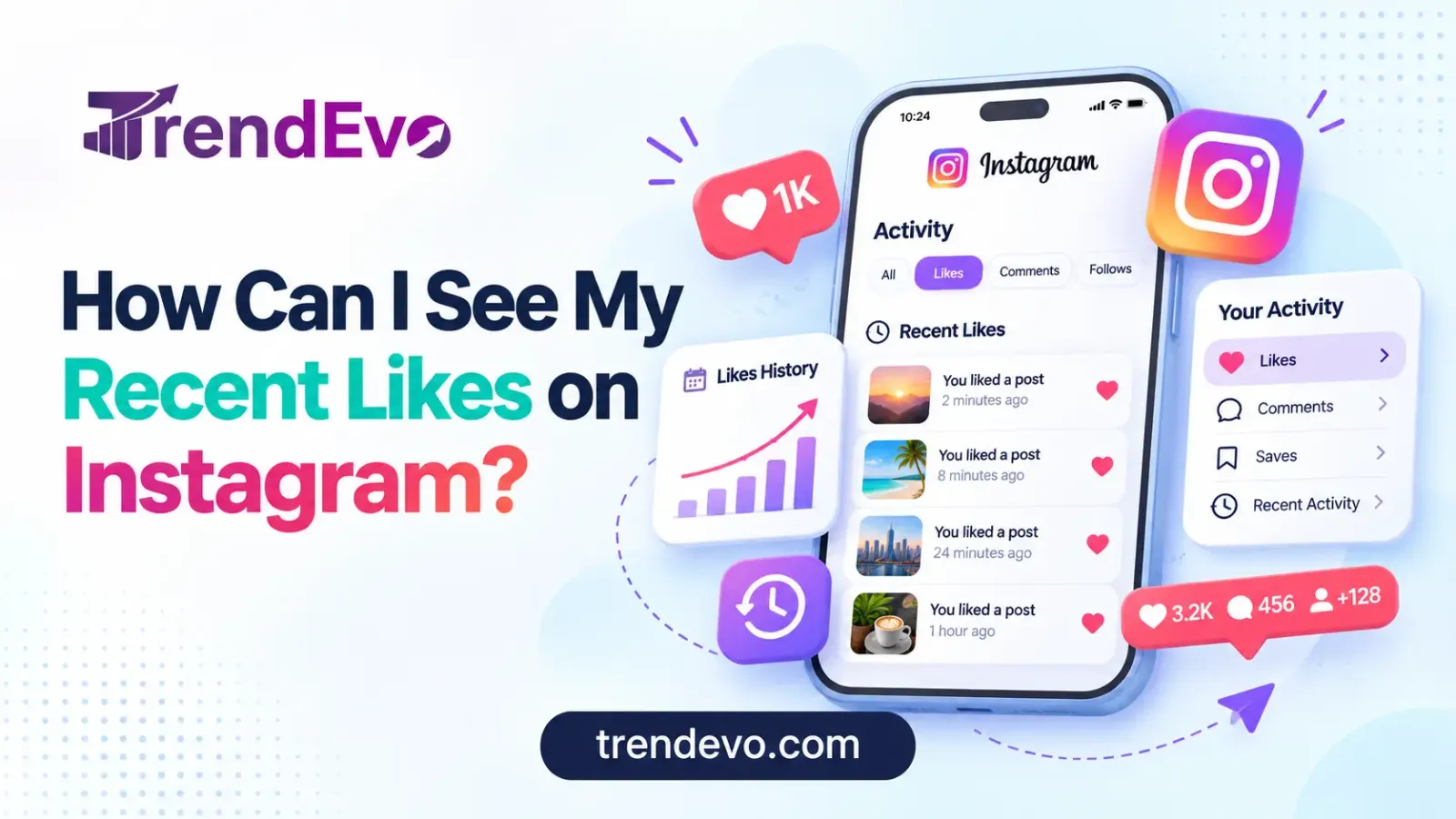
Recent liked content on Instagram is available when you visit your profile, click on Your activity, and then tap on Likes. The Liked tab enables you to locate photos, videos, and Reels that you have previously liked.
This article will guide you through six easy steps to locate your liked content regardless of whether you have an Android or iPhone.
Start the Instagram application on your Android or iPhone. Ensure that you are logged in with the same account that liked the posts. In case you have more than one Instagram account, switch to the right account before proceeding.
Tap your profile picture in the lower right corner of your screen. This will take you to your Instagram profile, where you can see your posts and account information.
Find the three horizontal lines located at the top right of your profile and tap on them to view your menu, where all your Instagram settings and activities are kept.
Start by scrolling down the menu to view Your activity. There, you will find all the activities associated with your account.
Find and click the Likes button to view your Instagram likes history. You may have to first click the Interactions tab, depending on which version you are using.
Instagram will show you your recently liked posts/videos on this page.
Browse the photos, videos, and reels that you have liked. Just tap on any image and you will be directed to the post that you have liked.
Instagram users can also use Instagram's filtering and sorting tools to arrange their likes according to date or according to certain accounts.
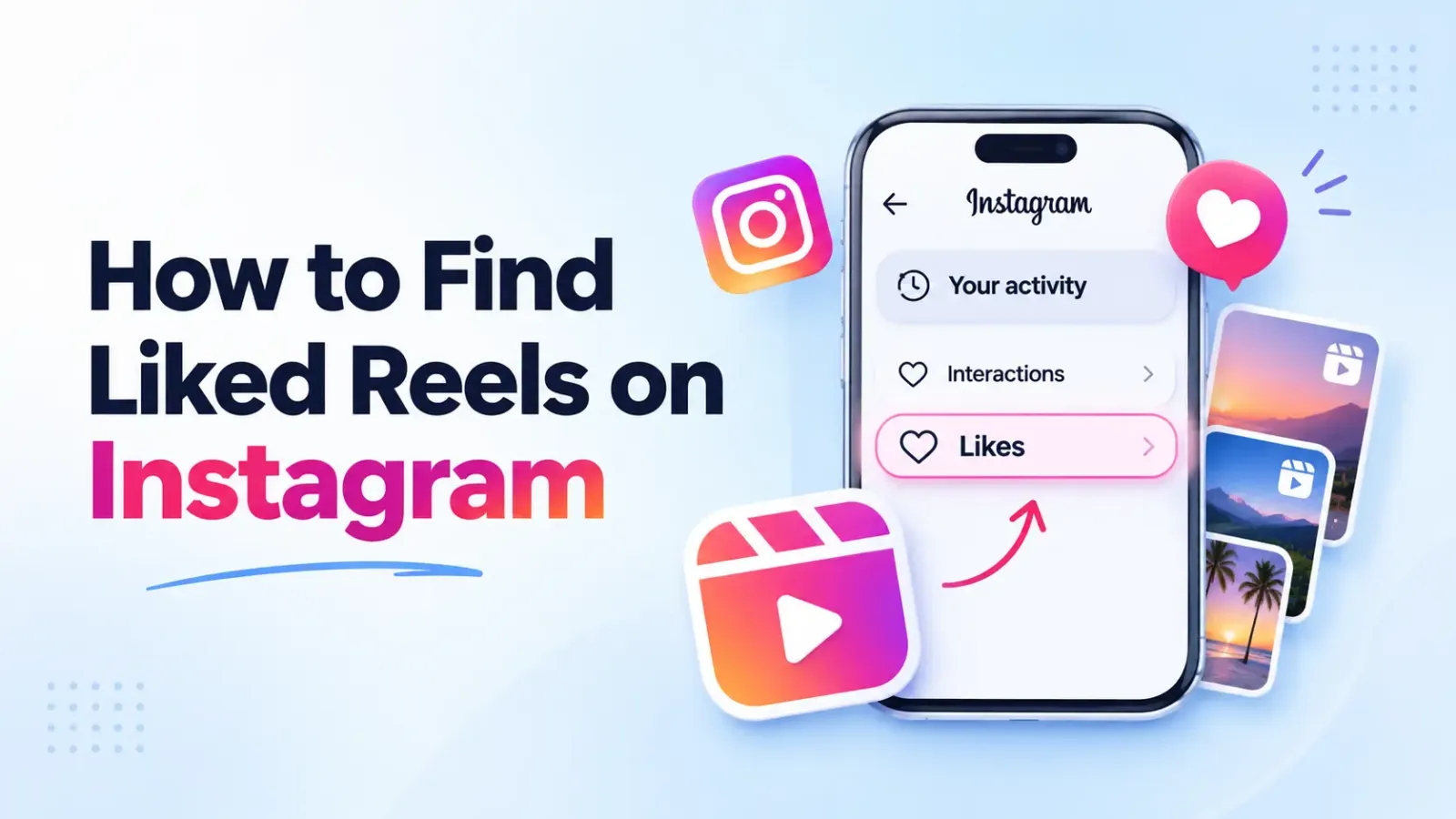
The liked Reels are available in Instagram under the Your activity tab. Go to your profile page and then tap on the three-line menu, then select Your activity, followed by Interactions → Likes.
There, you will be able to see all the posts and Reels you have liked in the recent past. If your Instagram application has a filter that shows only Reels, you should make use of it.
Please note that viewing a particular Reel doesn’t automatically mean that you have liked it. You have to tap the heart icon for this action to be recorded.
If you have saved but not liked a particular Reel, then you should visit the Saved section of your profile.
You can use the filters for date and accounts in Your activity on Instagram to locate older liked posts. It helps you locate an old liked post within seconds without having to go through your entire Liked posts list.
Open your app, click on Likes, then click on Sort & filter. Click Newest to Oldest to view the recent likes or Oldest to Newest to view the past likes.
If you remember the time you liked the post, click the Date range button.
If you know which user has published the post, you may employ the creator filter to save time searching for it.
Go into filter settings, pick the user account, and use the filter. You can see all the posts liked by you from that account on Instagram.
Keep in mind that you can use the filters only for those likes that are visible in your activity history.
No, the Instagram likes section does not display all the posts that you have ever liked since you created your Instagram account.
According to Instagram's Help Center, you can see your most recent 300 posts and videos you have liked.
If there is no older post in your Likes section, try looking at the profile of the post creator or your Saved posts.
Your Instagram account information can be requested via Meta Account Center. The downloaded information might include more activity logs, although not necessarily all of your likes.
Instagram allows you to delete likes from a single post or even several posts all at once. You can also do this via Your activity in Instagram.
Tap on the picture or the Reels that you have already liked and press on the filled heart icon to unlike the post on Instagram.
You can also locate the post in Your activity and then unlike it from there.
Here is how you can unlike multiple Instagram posts at once:
Instagram will remove the likes from those posts. The posts themselves will still be there unless their owners decide to remove them.
The Instagram liked pictures might not show up due to various issues such as technical glitches or account settings. Here are some common causes and solutions.
An older version of the app may have different menu options or loading issues. Update the Instagram app from the Google Play Store or App Store and try accessing your activity again.
If a person deletes the post or goes into private mode, then you could have lost access to what you were liking before. Check out the creator’s page to see if that post is still there.
If you have more than one Instagram profile, you may be reviewing the wrong account. Go to the profile where you initially liked the post and check your Likes history.
If the post has been mistakenly unliked by you, then this post will not be visible under your liked posts.
There can also be issues with Instagram loading for some time. In this case, close the application and open it again, and check your Internet connection.
Your Instagram Likes history cannot be viewed by other users in its totality. They may be able to view your username on the posts you have liked if they can access those posts.
The Friends tab on Instagram Reels will also display any public posts that your friends have liked or commented on.
Meta offers privacy tools for users that allow you to hide certain likes and comments made by you from the Friends tab. Learn more about such privacy tools from Meta's announcement.
It is important to note that hiding the like count of a post does not hide the usernames of the accounts that liked it.
To view likes for your own Instagram posts, go to your profile and tap an image or a Reel. Tap the number of likes or “Liked by” to view the list of users who liked your content.
This differs from Your activity, which displays all the posts you have liked.
In case you have a professional account, you can also check the performance of your posts via Instagram Insights.
Instagram Insights will display the number of likes, comments, shares, saves, and other metrics that show user engagement. They will allow you to understand which posts are interesting to the audience.
For instance, analyzing likes and saves will help you determine which content people appreciate.
TrendEvo offers an SMM panel where creators and businesses can access Instagram promotion services, such as likes, followers, views, and more.
You can pick a service, pick a package, provide a link to your Instagram post, see the cost, and then order it. The website also offers order tracking and customer service.
Moreover, you can compare prices, numbers, and delivery of Instagram likes and find the service you need depending on your budget and promotional plans.
Before ordering a certain service, you should compare all the options and find the one you need depending on your promotional plans and budget. However, keep in mind that purchased likes will not bring you organic reach and audience engagement.
How can I see my recent likes on Instagram? Go to the Profile menu and click on Your Activity > Interactions, then click on Likes. This will help you find the posts and Reels that you have liked.
Filters by date can also be used to search for past interactions and delete likes that you no longer want.
In case you might need to find something again, it is better to save it in a Collection rather than depending only on the Likes history.
Open your page, click on Likes, and look for the latest posts from your history at the top.
Yes, provided that they are still in your Likes history. You can use the date filter to view posts within a certain timeframe.
Open the activity and select Likes. Go through your liked videos or use the Reels filter if available in your app.
Make sure that you check for updates on the app, your account status, and even your Internet connection. Even deleted posts and removed likes will not be available anymore in your history.
Your likes can be viewed by individuals through specific posts that are visible to them; however, your entire history of likes is not made public on Instagram.
Indeed. TrendEvo provides like packages for Instagram through their SMM panel. It allows you to choose a price package and place your order.
Is 1,000 likes on Instagram good? Compare likes, followers, and engagement rates to see how posts perform. Review your results and improve today!
11 Nov 2026

Learn what a Telegram SMM panel is, how it works, and which services it offers. Compare channel subscribers, group members, post views, and reactions while understanding pricing factors, delivery conditions, and risks before choosing a package for your Telegram promotion.
8 Nov 2026

Explore the best payment methods for SMM panel buyers in 2026, including bKash, Nagad, PayPal, cards, and cryptocurrency. Compare transaction fees, payment security, processing times, and availability to choose a convenient option that suits your location, budget, and payment needs.
7 Nov 2026
Join thousands of users growing faster with TrendEvo Panel on Facebook, Instagram, YouTube, and TikTok. Get started free in under 60 seconds. We ensure 100% customer satisfaction with an all-in-one, fully automated SMM solution that helps your business stand out and grow effortlessly.